

Εξαιρετική συναλλαγή. Ευχαρισ΄τώ πολύ Άρη.
Description
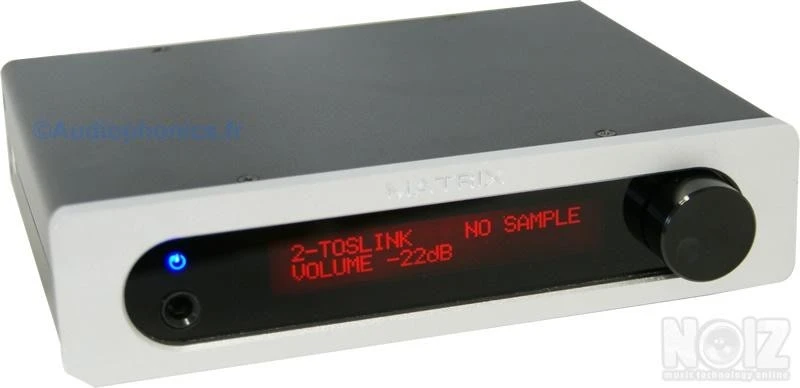
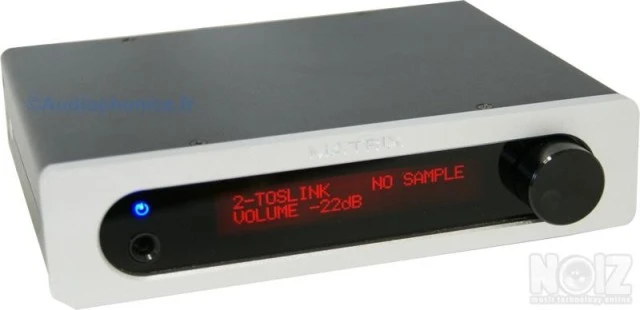
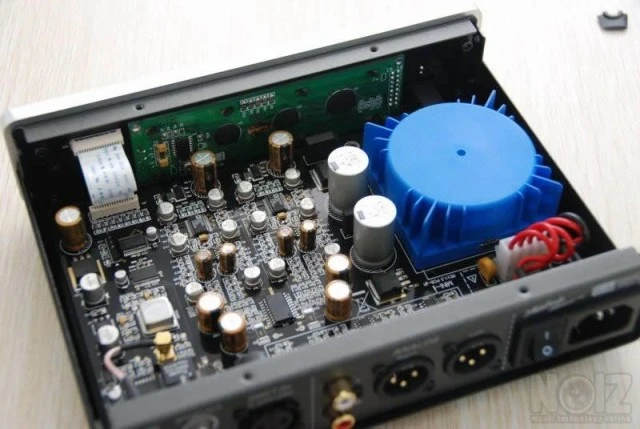
MATRIX Mini-i AD1955 V2 USB DAC SPDIF - XLR - RCA - Headphones
Σε άριστη κατάσταση.
https://www.headfonia.com/matrix-mini-i-balanced-dac/
MATRIX AD1955 Mini-i DAC (Version 2011)
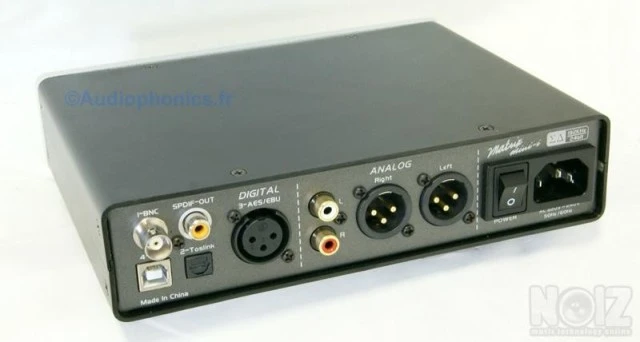
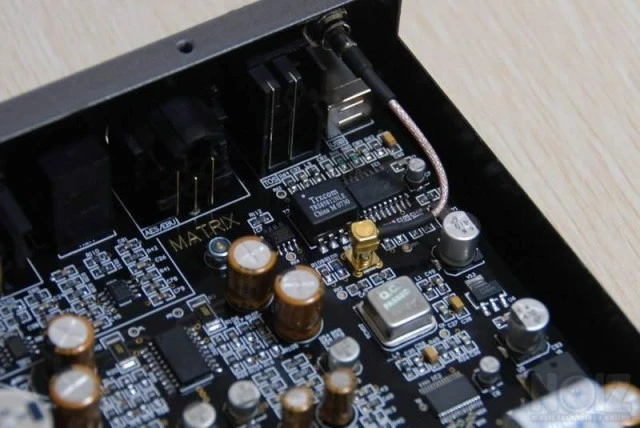
DAC with USB inputs - BNC (SPDIF) - Toslink - AES / EBU
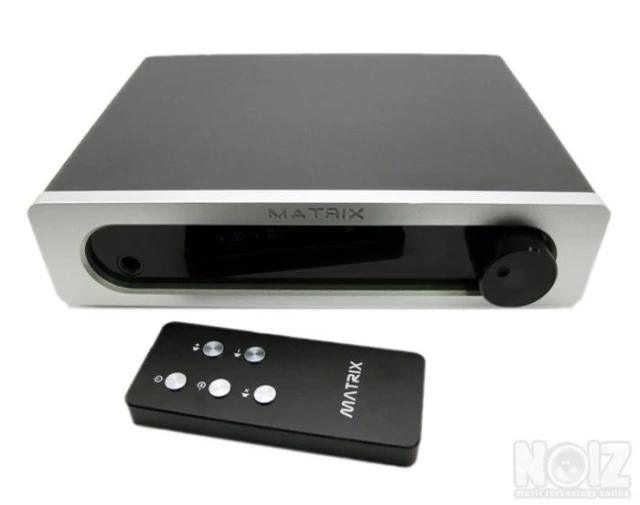
RCA - XLR Variable Outputs - Headphone Amplifier + Remote Control Aluminum
This unit is a Digital - Analog Preamplifier XLR and Headphone Amplifier.
Features:/ Span>
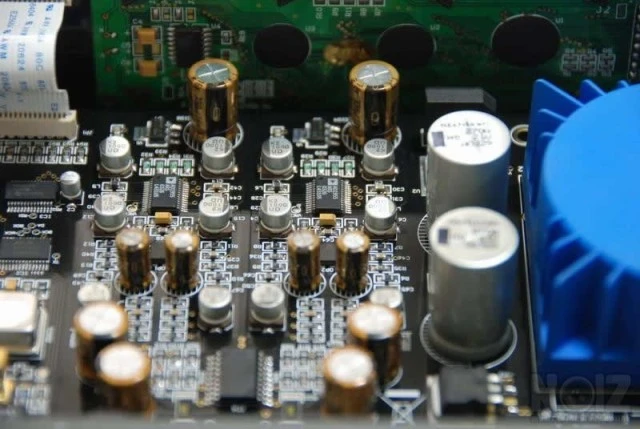
Diagram100% symmetrical
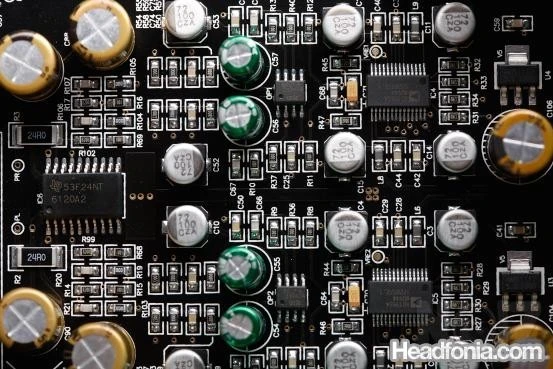
Decoding chips 2x AD1955
Up to 24Bit / 192kHz
Receiving chip AK4113 low jitter
Integrated headphone amplifier, up to 300ohm
Outputs XLR and RCA audiophile quality variables
Allows to be used as preamp or simple DAC (without volume control)
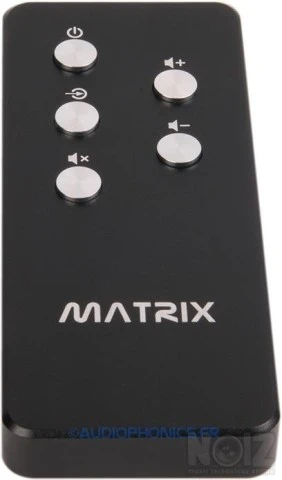
Comes with Infrared Control Remote Control (Volume Control, Mute, Power On / Off and Source Selection)
Digital Inputs:
Toslink optics from 44.1 to 192kHz
Coaxial: 75ohm RCA or BNC (supplied adapter) from 44.1 to 192kHz
AES / EBU: XLR symmetrical 5v from 44.1 to 192kHz
USB: 44.1 or 48kHz USB-B connector (PC only)
Digital Outputs:
SPDIF Coaxial
44 to 192kHz according to input
Allows even redirecting an AC3 or DTS stream
Analog Outputs:
RCA: 0 ~ 2V variable volume
XLR: 0 ~ 4V variable volume
Frequency response: 20Hz - 20kHz
Signal to noise ratio: 105dB
Dynamic range: 108dB
Distortion: 0.0002% @ 1kHz
Others:
Weight: 1.2kg
Dimensions: 205x155x48mm
Power Consumption: 15W
Supplied with: Power cable, B adapterNC -> RCA3
Comes with Infrared Control Remote Control (Volume Control, Mute, Power On / Off and Source Selection)
Σε άριστη κατάσταση.
https://www.headfonia.com/matrix-mini-i-balanced-dac/
MATRIX AD1955 Mini-i DAC (Version 2011)
DAC with USB inputs - BNC (SPDIF) - Toslink - AES / EBU
RCA - XLR Variable Outputs - Headphone Amplifier + Remote Control Aluminum
This unit is a Digital - Analog Preamplifier XLR and Headphone Amplifier.
Features:/ Span>
Diagram100% symmetrical
Decoding chips 2x AD1955
Up to 24Bit / 192kHz
Receiving chip AK4113 low jitter
Integrated headphone amplifier, up to 300ohm
Outputs XLR and RCA audiophile quality variables
Allows to be used as preamp or simple DAC (without volume control)
Comes with Infrared Control Remote Control (Volume Control, Mute, Power On / Off and Source Selection)
Digital Inputs:
Toslink optics from 44.1 to 192kHz
Coaxial: 75ohm RCA or BNC (supplied adapter) from 44.1 to 192kHz
AES / EBU: XLR symmetrical 5v from 44.1 to 192kHz
USB: 44.1 or 48kHz USB-B connector (PC only)
Digital Outputs:
SPDIF Coaxial
44 to 192kHz according to input
Allows even redirecting an AC3 or DTS stream
Analog Outputs:
RCA: 0 ~ 2V variable volume
XLR: 0 ~ 4V variable volume
Frequency response: 20Hz - 20kHz
Signal to noise ratio: 105dB
Dynamic range: 108dB
Distortion: 0.0002% @ 1kHz
Others:
Weight: 1.2kg
Dimensions: 205x155x48mm
Power Consumption: 15W
Supplied with: Power cable, B adapterNC -> RCA3
Comes with Infrared Control Remote Control (Volume Control, Mute, Power On / Off and Source Selection)
Specs
Brand
Matrix
Model
Mini-i DAC AD1955
Reference Number
NOIZ614502
Accept exchange
No
Delivery and payment
Shipping across Greece
About the seller

Seller reviews(2)
5.0
2 reviews
| 6 months | 12 months | All time | |
|---|---|---|---|
| Positive | 100% | 100% | 100% |
| Negative | 0% | 0% | 0% |
| Count | 1 | 1 | 2 |
Είχα μια άψογη συναλλαγή με τον Αρη. Ήταν συνεπέστατος και πολυ φιλικος. Τον συνιστώ ανεπιφύλακτα
Price history
Price history
Forum discussions?Below are mentions of this instrument in discussions on the noiz forum, which may tell you more about it.
-
Matrix Recording - Yameth Drum session
Τελικά... 25 χρόνια αργότερα αποφάσισα να ασχοληθώ με κάποια πολύ δικά μου κομμάτια. Και ξεκίνησα προσθέτοντας την ντραμιστική άποψη του master Γιώργου Μεταλληνού στα μισογραμμένα, προγραμματισμένα σε step mode τύμπανα π…
-
τι είναι routing matrix?
MPOREI NA MOU E3IGISEI KANEIS TI EINAI ROOTING MATRIX SE MIA CONSOLA KAI TA BAND BUS GIATI TA EXW MPERDEPSEI LIGO.... TO ROOT EINAI GIA NA KANEIS GROUP MERIKA CHANELS MAZI KAI NA TA STEILEIS P.X. SE ENA FX???? :?