

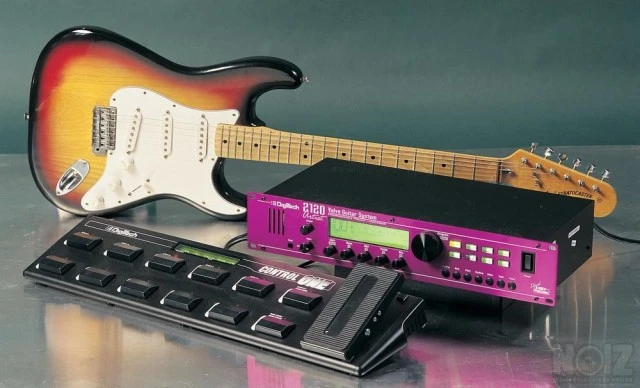
Description
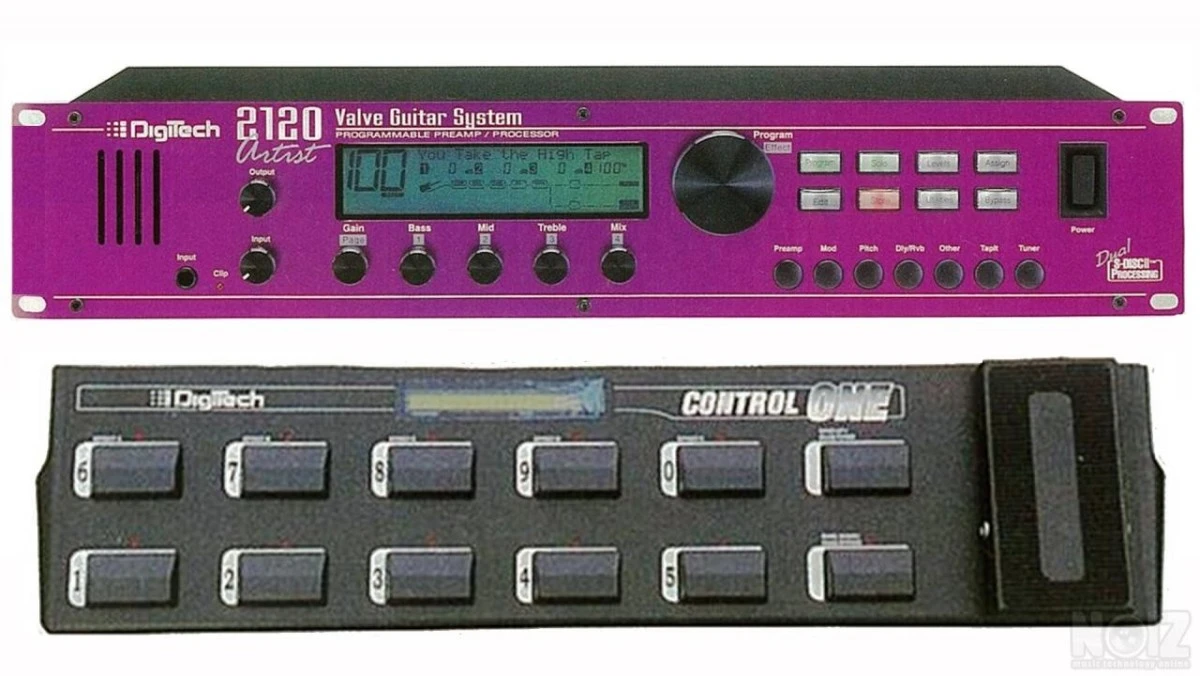
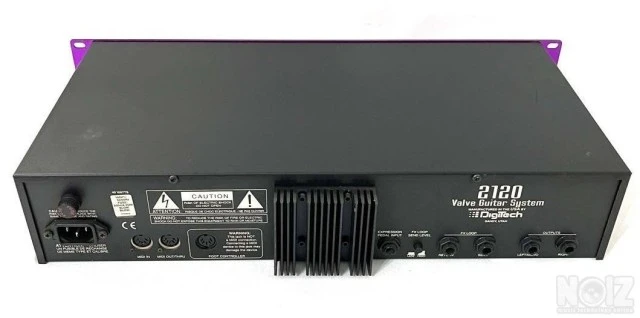
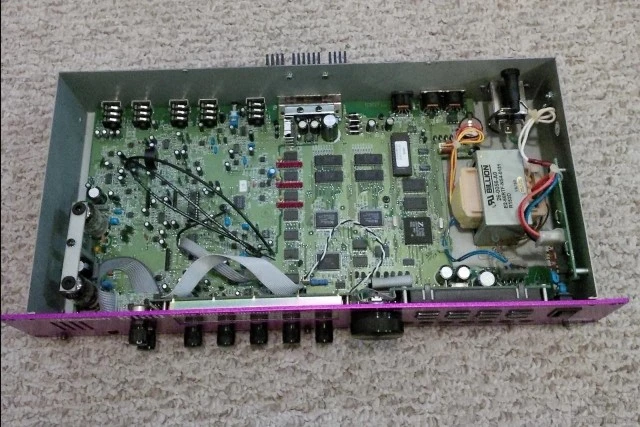
DigiTech 2120 Artist Valve Guitar System Preamp Processor with lamps
141 factory presets
100 user presets
Preamp Presets
Bluesy Rhythm
Blues Lead
Rock Man
Twin Combo
1x12 Combo
Country 1
Country 2
British Stack
American Stack
Dirty 1x12
Fusion Lean
Violin Lead
Fuzzy Face
Daddy's Tone
Double Overdrive
High Gain Solo
Sweet Clean Tube
Big Honk
Power 1
Power 2
Blues Drive
Power Clean
Thick Blue
Solo 1
Solo 2
Bright Comp Tube
Klean Krunch
T:Dirty-D:Clean
T:Clean-D:Dirty
Tube-DistHybrid
Digital Delights
The digital effects available are:
Reverb.
Chorus.
Flanger.
Phaser.
Rotary Speaker Simulator.
Tremolo.
Auto Panner.
Pitch Shifter.
Detuner.
Delay (with a Tap function available via the Tapit button on the front panel).
Equaliser (both graphic and parametric).
Multi-effects modules (combined effects that use less of the available processing power).
Whammy Effects.
Auto Wah.
MANUAL > https://www.tube-tester.com/sites/2120/manual/2120_man_engl.pdf
141 factory presets
100 user presets
Preamp Presets
Bluesy Rhythm
Blues Lead
Rock Man
Twin Combo
1x12 Combo
Country 1
Country 2
British Stack
American Stack
Dirty 1x12
Fusion Lean
Violin Lead
Fuzzy Face
Daddy's Tone
Double Overdrive
High Gain Solo
Sweet Clean Tube
Big Honk
Power 1
Power 2
Blues Drive
Power Clean
Thick Blue
Solo 1
Solo 2
Bright Comp Tube
Klean Krunch
T:Dirty-D:Clean
T:Clean-D:Dirty
Tube-DistHybrid
Digital Delights
The digital effects available are:
Reverb.
Chorus.
Flanger.
Phaser.
Rotary Speaker Simulator.
Tremolo.
Auto Panner.
Pitch Shifter.
Detuner.
Delay (with a Tap function available via the Tapit button on the front panel).
Equaliser (both graphic and parametric).
Multi-effects modules (combined effects that use less of the available processing power).
Whammy Effects.
Auto Wah.
MANUAL > https://www.tube-tester.com/sites/2120/manual/2120_man_engl.pdf
Specs
Pedals Categories
- Amp modeling
- EQ
- Flanger
- Fuzz
- Guitar synths
- Loop & samplers
- Multi-effect
- Noise generators
- Gates & noise reduction
- Octave and pitch
- Overdrive & boost
- Bass pedals
- Pedalboards & power supplies
- Phase shifters
- Preamps
- Reverb
- Ring modulators
- Tremolo
- Tuning
- Vocal pedals
- Wahs & filters
- Other
- Buffer
- Cabinet simulators
- Chorus & vibrato
- Compression & sustain
- Controllers, volume & expression
- Delay
- Distortion
Brand
Digitech
Model
2120 Artist Valve Guitar System
Reference Number
NOIZ595704
Accept exchange
No
About the seller
Δ
No reviews yet
On Noiz, only someone who bought or sold something with this member can review them.
Forum discussions?Below are mentions of this instrument in discussions on the noiz forum, which may tell you more about it.
-
Πεταλιέρα για Death Metal
Και εγω λεω για x3 live Εαν βρεις το Digitech 2120 artist ειναι πολυ καλο. Επισης εχω εαν φιλο που παιζει Death Metal και εχει πουλησει cd και στο Japan. με......το παλαιο και καλο Roland GP8 ;D
-
DIGITECH HARDWIRE HW DL 8 DELAY/LOOPER
…καλή γιατί το τελευταίο αξιόλογο πράγμα που έβγαλε ως εταιρία είναι η 2120 artist (την οποία το βιολάκι μου δεν αποχωρίζεται ποτέ). Thanks in advance
-
Την γνωμη σας για το Dιgitech GSP 2120 FXPreamp
παρακαλω την γνωμη σας για αυτο το rack σε οτι αφορα τα dist που εχει και clean και οτι αλλο νομιζετε,thanks
-
digitech rp300
Ένας μου έδωσε αυτήν γιατί δεν άνοιγε amicuk.com Μέτρησα το τροφοδοτηκό της και δεν μου βγάζει ρεύμα το άνοιξα τσεκάρισα όλο το καλώδιο και δεν έχει κάποιο "σπάσιμο" για να οφείλεται εκεί το πρόβλημα. Την δοκίμασα με ένα…